You have an option to do a predefined task below or suggest some other task you would do. Something interesting in malware analysis or reverse engineering, but we haven’t dealt with it yet? Feel free to implement and show us what you got. Your task has to be approved by an assistant before you can start doing it.
You could take a look at well-known rootkit malware, for example. Well-known repository of malware.
WannaCry - pre-defined task
One of the required skills of an analyst or digital forensics guy is to get your analysis environment up and running. Sometimes this might take more time than analysis itself.
Ever heard about WannaCry malware? In 2017, this malware caused a lot of troubles in hospitals and other organisations.
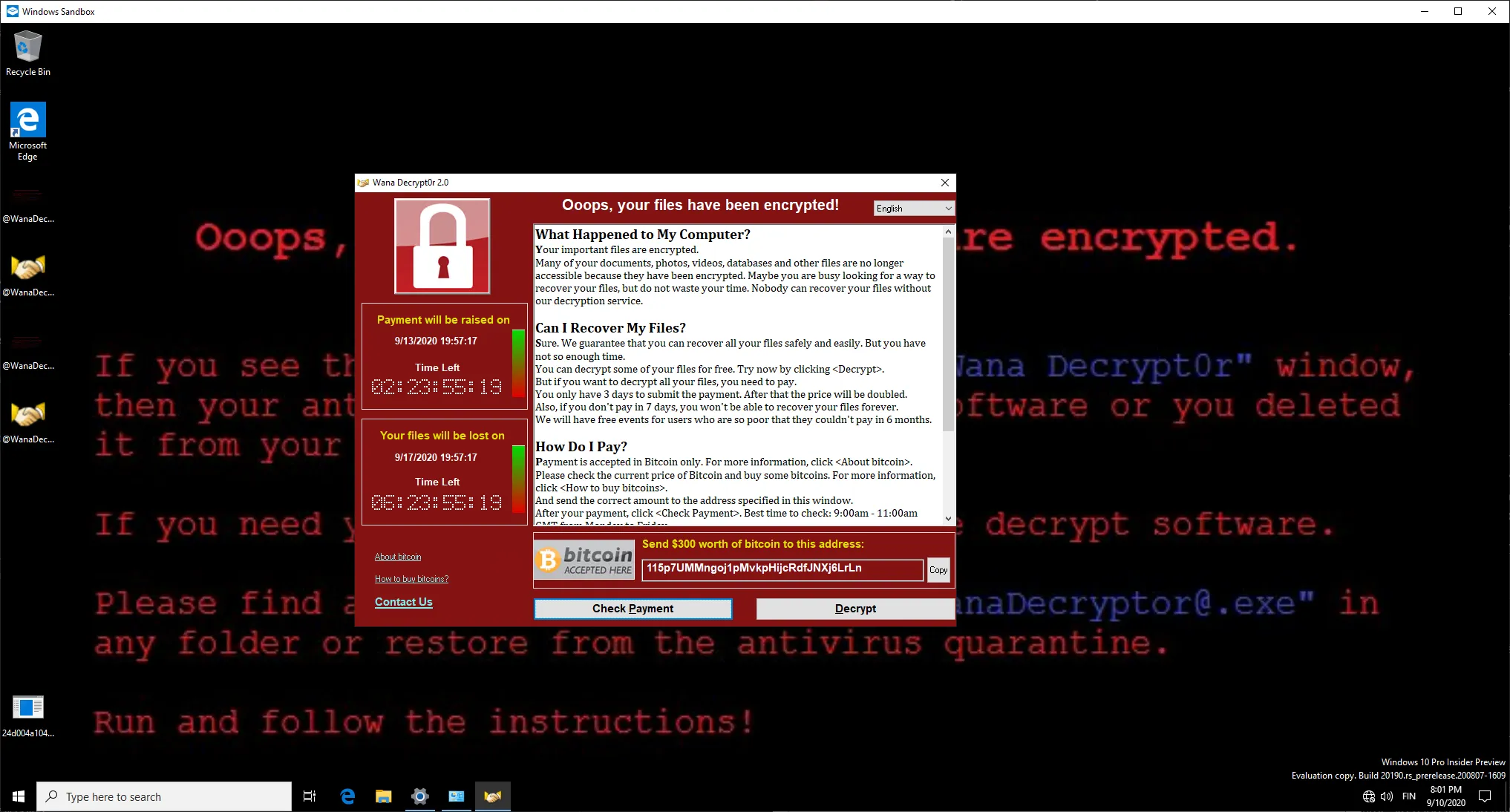
This malware was a ransomware attack, and encrypted all of the important files of the machine. It exploited some vulnerabilities, which gave it self-spreading properties, making it a worm. Luckily there was a flaw (or intended property), which was so called kill switch, and stopped the spreading of malware in the cases when the machine was able to connect to the internet. Every time when malware was executed, it looked for some domain. Based on the result, malware did something. In this task, we will a take look for the original dropper of WannaCry. Only this specific dropper contained a so-called kill-switch.
What we want to do at first, is to make dynamic analysis for it. It means, and we are executing the malware, and see what actually happens.
When you want to analyze malware, you don’t usually want to infect your own machine. Instead, you want to run it in some safe environment. Additionally, an easy way to undo changes would be helpful if you want to repeat the process somewhat easily.
Virtual machines are one good solution. Snapshot feature allows easy way to roll back into the situation, where you were before the moment of execution. Modern malware might even detect virtual environments, and therefore are hiding their malicious activities, but we are ignoring it now.
We might have been using virtual machines already at this point, but now we are taking this a little further.
The malware is located in the misc folder, it is zipped twice and password is infected.
The dynamic analysis
You have few options, and you have to mostly figure out things by yourself:
- Make analysis with CAPE Sandbox (the maintained fork of Cuckoo Sandbox). Setting up the environment is not very straightforward. Hard!
- Not automated analysis (Using native Windows Sandbox or Windows in VirtualBox/VMware)
-
You have to capture network traffic manually and take memory dump by yourself
-
Windows Sandbox (Native on Windows 11 Pro, Enterprise or Education licence required)
- You can quite safely drop files on there and execute them
-
Windows evaluation images are available in here. Windows 11 is recommended, so you can use Volatility 3.
-
Wireshark (Choose .exe file)
- Capturing network traffic inside Sandbox or virtualized Windows. Depending on the host, it might be done outside the sandbox as well by selecting correct adapter.
-
Acquiring memory dump inside from live system: LiveKD (
.\livekd64.exe -o memory.dmp)- Note: You might need volatility3 for analysing latest Windows 11
-
On VirtualBox or VMware, taking a memory dump is easier.
-
Something else? Feel free to show your analysis skills!
-
In case your Sandbox has not made the analysis already, you can manually use volatility3 for the acquired memory dump and consult its documentation for making the analysis.
In all of the cases, you are expected to acquire at least a memory dump (and find mutexes), capture network traffic (and find URL), and do a simple static analysis afterward!
-
Malware makes a single HTTP request when a connection is available; capture it with Wireshark and show it. E.g. screenshot and packet data capture summary. When the connection is not available, it encrypts the machine…
-
In memory analysis (you are expected to do this, when connection is not available == it encrypts the machine), you can use the plugin
mutantscanof Volatility. What is mutex/mutant in malware analysis? What is the mutex of this particular malware? In the best case, if you create the same mutex before executing the malware, what would happen? Provide Volatility output file/screenshot. -
Verify the URL - make simple static analysis:
-
You can use (and it is recommended to use) for example radare2 for reverse engineering this executable. In practice, we are disassembling binary to machine instructions, and looking into the code of malware in assembly language. Radare2 will be used in the future as well.
-
Cheatsheet for Radare2 can be found here.
-
Do you find the same URL that you captured with Wireshark? Which function calls it? What are the conditions/functionality of binary when calling the the URL and shortly after?
-
Make a short report including sections above. Include, how you did the dynamic analysis/set up the environment and took the memory dump and captured the network traffic. You can do even more if you want…
For Windows Sandbox
- Additional utilities, maybe or maybe not useful